Script Editor – Running a Restricted-Mode Workflow
We can now build a one-line script to run our amplitude extraction workflow in restricted mode. Go to your scripts directory, and copy run_xml_ampextract.sh from /hou/data/D_152_001/SU_Class/scripts/examples.
run_xml_ampextract.sh
script_editor –r xml=/hou/data/D_152_001/SU_Class/xml/ampextract.xml
The –r means to run in restricted mode: only the Parameters section can be modified.
Make sure you have execute permission set for the script, then run it.
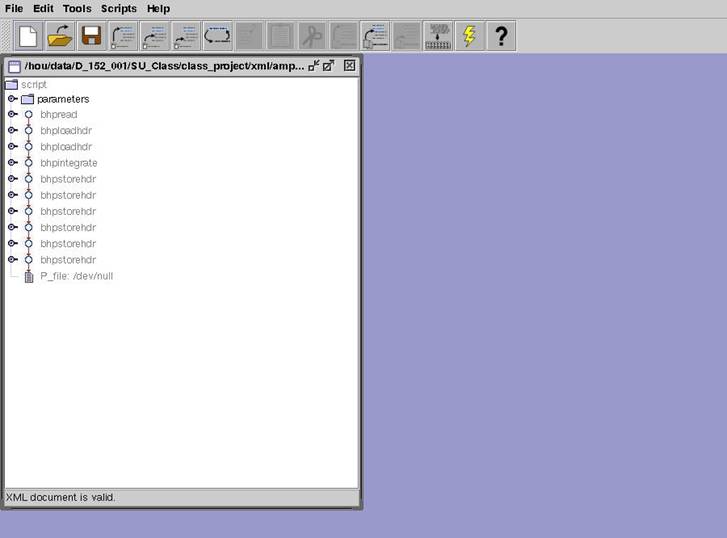
Notice that all the commands are shaded, meaning that they cannot be modified. Only the parameters can be changed.