Picking Horizons on a Seismic Cross-Section
Start with the inversion cross-section data that was saved as tiger_inversion.cfg. Load it and zoom in to bright events around 5 seconds.
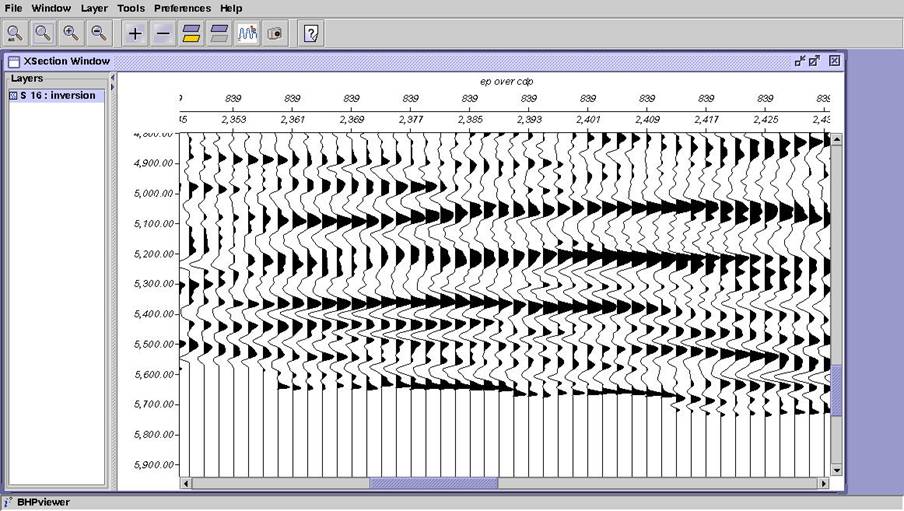
Let’s try picking the positive event at about 5.35 seconds. To start picking you need an horizons dataset that has null events. You can make a null-event dataset with bhpmakeevent. See the script make_events.sh in the …/scripts/examples directory. The event data is called inversion_events. Use Add Layer to get the data range window.
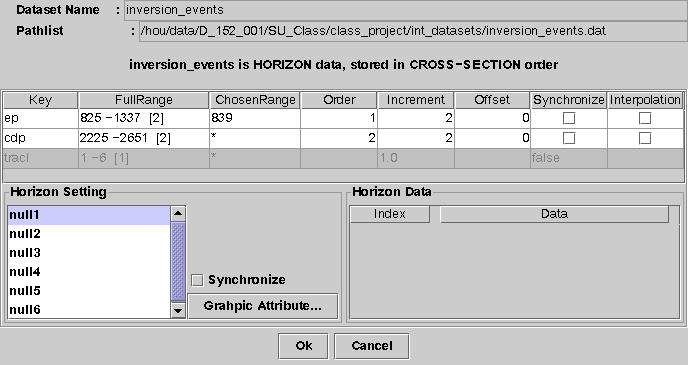
Add the event called null3. Choose a line width and color.
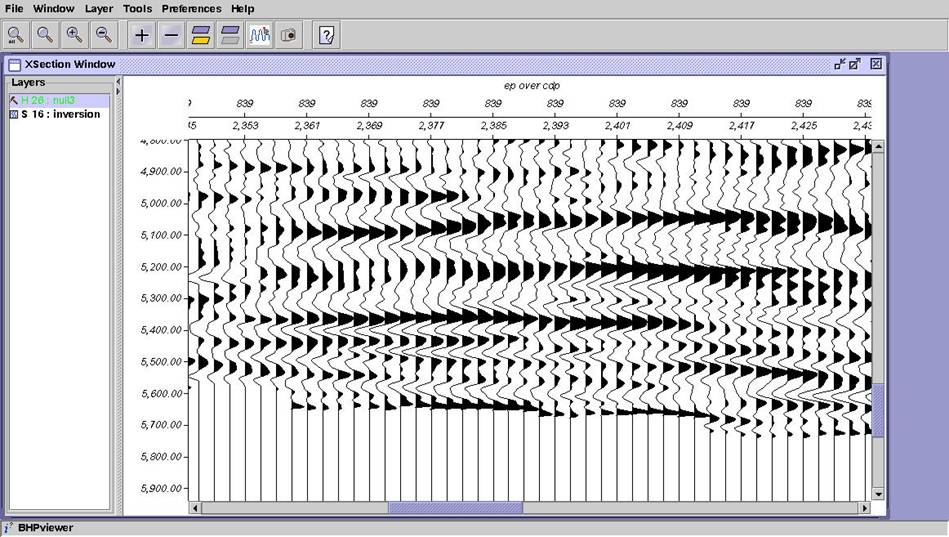
Notice that the layer name is in the color you selected. You can begin picking by just holding MB1 down and dragging the mouse. Try to track the event all the way across the window.
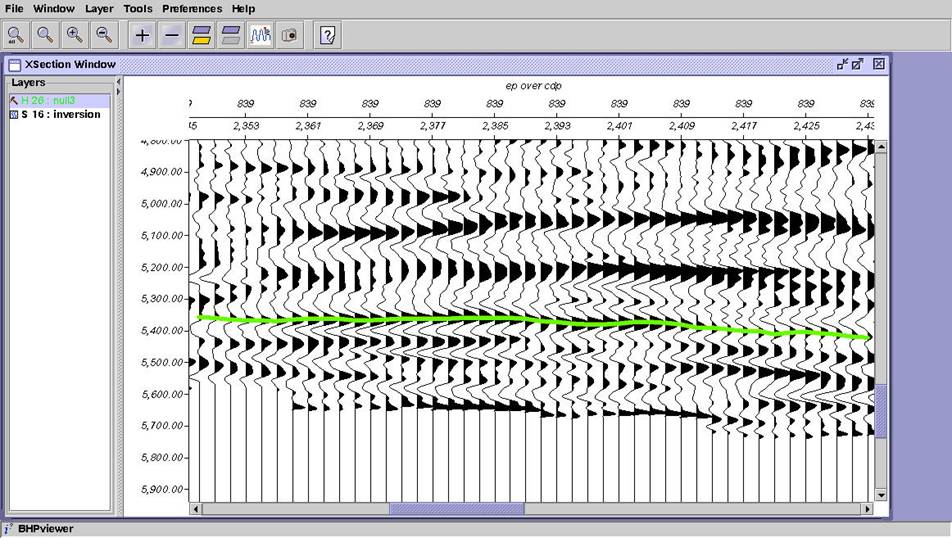
To save the picks, select Layer, Save Horizon. The horizons dataset is actually updated in place. The picked times replace the nulls at the correct locations. Now, save a new session as tiger_inversion_with_picked_horizon.cfg. Close and re-open the session to verify that it was saved.